Choosing business software can feel a bit like speed dating with dashboards. Everyone promises a long-term relationship, every demo looks tidy for exactly fourteen minutes, and then someone asks about integrations and the room goes quiet. The good news is that picking the right software is less about finding the flashiest option and more about finding the best fit for the work your team actually does.
This guide walks through a practical way to choose software without getting hypnotized by feature lists. We will look at how to assess business needs, what types of software usually matter most, how to compare options without drama, and what to do after the contract is signed so the tool does not become shelfware with a login screen.
1. Start with the mess, not the menu
The first step is not “Which platform is best?” The first step is “What is slowing us down?” Good software decisions begin with business needs, not brand names. If your team jumps straight into demos, it is easy to buy a polished answer to the wrong question.
Start by listing the core functions your business depends on every week. For many organizations, that includes sales follow-up, project delivery, invoicing, reporting, customer support, approvals, document sharing, and internal communication. Then mark the places where work gets sticky. Maybe leads fall into spreadsheet limbo. Maybe project updates live in six places and none of them agree. Maybe finance spends too much time fixing manual entry errors. That friction is your best clue.
A simple three-part filter keeps this stage honest:
- Current pain: What wastes time, causes errors, or annoys the team often enough to matter?
- Business impact: Which problems affect revenue, customer experience, compliance, or delivery speed?
- Future fit: Will the software still make sense if the team grows, adds locations, or offers new services?
Here is a tiny but useful example. A ten-person services firm may think it needs “better reporting,” but the real problem might be that proposals, tasks, and invoices are disconnected. In that case, a reporting tool alone is basically a prettier flashlight in a messy garage. The smarter move is software that improves the workflow underneath the reporting problem.
2. Know the main software categories before you compare them
Most businesses are not choosing from one giant software pile. They are choosing between categories that solve different kinds of problems. Knowing the category first helps you avoid comparing apples to forklifts.
Business management software
This is the broad family that includes CRM and ERP systems. A CRM platform such as Salesforce is designed to organize customer relationships, sales activity, and follow-up. An ERP system such as Oracle NetSuite pulls together areas like finance, operations, inventory, and business reporting. If your company is juggling customers, orders, and internal processes separately, this category often deserves the first serious look.
Project management tools
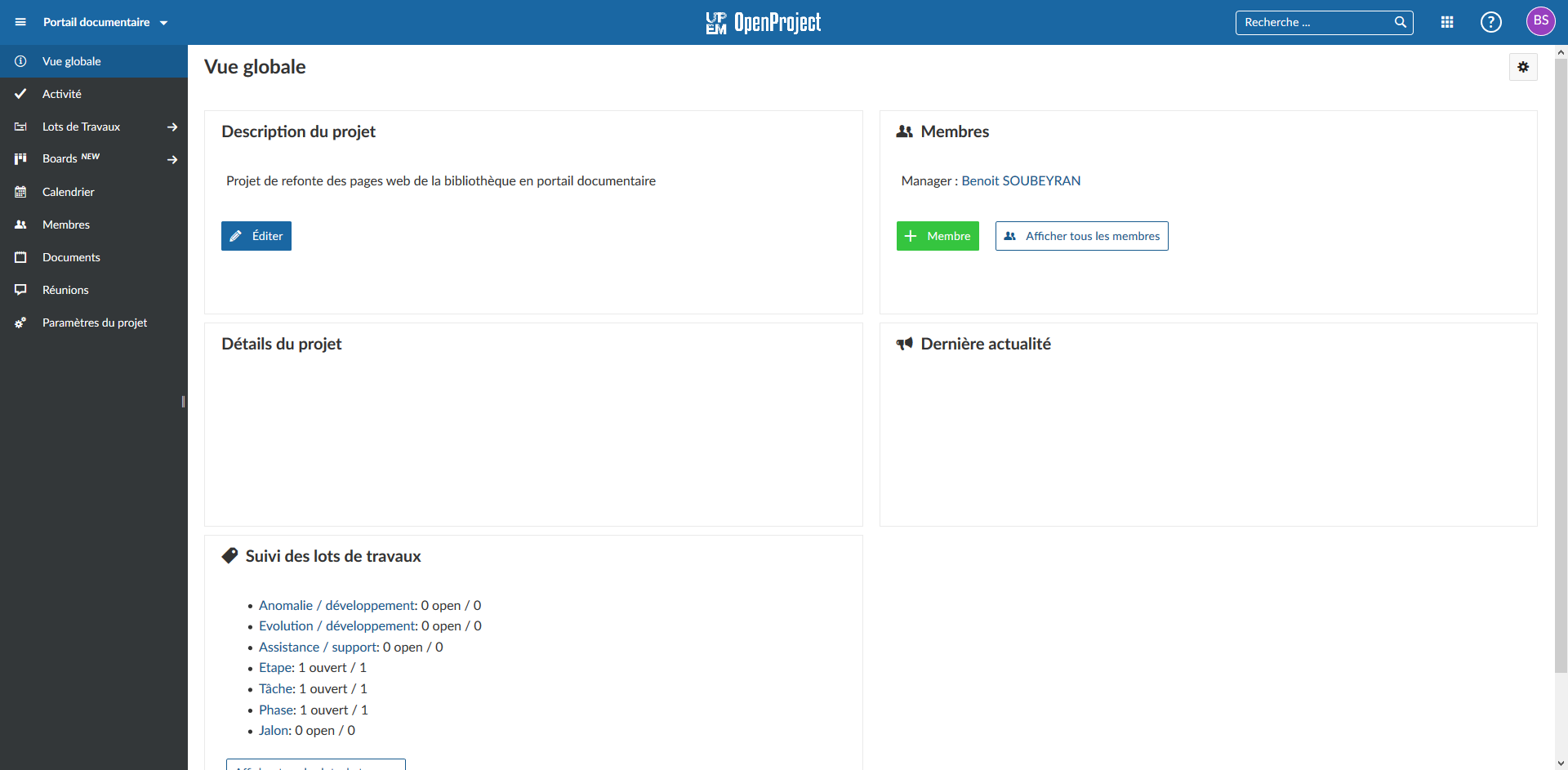
Project tools help teams plan work, assign owners, track deadlines, and see what is blocked before it turns into a group email novella. Products like Asana are useful when delivery depends on coordination across people, dates, and approvals. If the question “Who owns this now?” appears in your office more than coffee, project management software is probably relevant.
Accounting and finance software
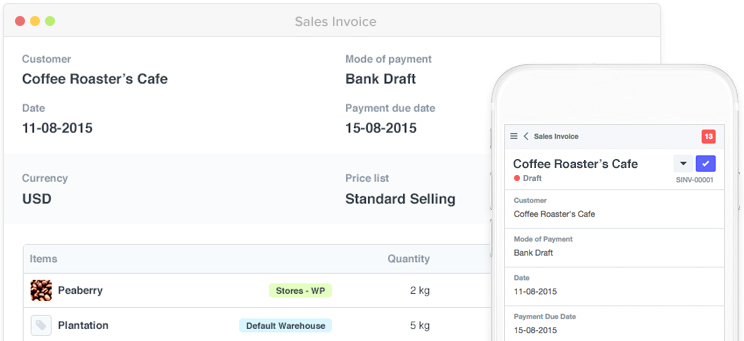
Accounting systems handle invoicing, expenses, reporting, reconciliations, and cash visibility. Tools like QuickBooks are often the operational spine for smaller businesses because they turn money movement into something more useful than crossed fingers and end-of-month panic.
Communication and collaboration platforms
These tools support chat, meetings, file sharing, and team coordination. They matter most when work moves between departments, remote staff, or client-facing teams. Collaboration software will not fix a broken process by itself, but it can reduce interface friction when the underlying workflow is already reasonably clear.
If your team keeps twisting general-purpose tools into elaborate workarounds, that is also a signal. In some cases, the better choice is not another off-the-shelf subscription but a lighter internal workflow solution or custom layer. Teams exploring that route sometimes compare packaged software with a third-party web app builder to see whether a faster custom workflow might fit better than forcing a generic platform to do interpretive dance.
3. Compare software on fit, not just features
Feature lists are seductive. They sparkle. They scroll forever. They also hide the most important question: will this software work well in your business with your people, budget, and processes? The right comparison method is part product review, part operational reality check.
Build a shortlist and compare each option across the same criteria:
- Core use case: What problem does it solve especially well?
- Ease of adoption: Can normal humans learn it without a three-day pilgrimage through help docs?
- Integration needs: Does it connect to accounting, email, website forms, support systems, or reporting tools you already use?
- Pricing model: Is it priced per user, by usage, by feature tier, or with extra implementation costs hiding in the bushes?
- Support quality: What happens when something breaks or the team needs help?
- Scalability: Will it still be useful in two years, or will you outgrow it as soon as the business gets interesting?
| Software type | Usually best for | Typical pricing pattern | Common watchout |
|---|---|---|---|
| CRM | Sales visibility, lead follow-up, customer history | Per-user or tiered plans | Great data structure, weak adoption if sales habits do not change |
| ERP | Finance, inventory, operations, cross-team reporting | Tiered licensing plus setup or partner costs | Too much system for a business that has not mapped its processes yet |
| Project management | Delivery planning, workload visibility, approvals | Free-to-paid tiers, often per seat | Teams keep using chat and spreadsheets unless rollout is deliberate |
| Accounting | Invoices, expenses, books, cash tracking | Monthly subscription, feature-based add-ons | Disconnected billing or payroll workflows create duplicate entry |
| Collaboration | Internal communication and shared context | Per-user tiers with storage or security upgrades | Becomes noisy fast if channels and ownership are unclear |
User feedback matters here too. Look for patterns instead of dramatic one-star opera. If several reviewers praise easy setup but complain about reporting depth, that is useful. If people love the features but say implementation took months of wrangling, also useful. A good product can still be a poor fit if the onboarding burden is heavier than your team can absorb.
Hypothetical example: a growing field-service company might compare a CRM, a project tool, and accounting software side by side. The CRM wins for pipeline visibility, the project tool wins for dispatch coordination, and the accounting tool wins for invoicing accuracy. The final answer may not be one winner. It may be a small stack with clear roles and sane integrations.
4. Roll out the software without summoning chaos
Buying software is the easy part. Getting people to use it correctly is where the boring magic lives. A weak rollout can make a good product look bad.
Start with a rollout plan that answers four practical questions:
- Who owns the implementation and final decisions?
- Which workflows move first, and which stay as they are for now?
- How will the team be trained?
- What does success look like after 30, 60, and 90 days?
Employee involvement matters more than many software buyers expect. The people doing the daily work often know exactly where the interface friction lives. Include them early, especially when reviewing process-heavy tools. A manager may care most about dashboards, while the team cares about whether the task screen requires twelve clicks and a small prayer.
This is also the moment to decide what not to migrate. Not every old spreadsheet deserves a ceremonial transfer into the new platform. Clean the process before you digitize the clutter. If your business needs help aligning software choices with operations, support, and implementation planning, Valbosoft’s services page is the right next stop.
5. Treat support and updates as part of the buying decision
Software selection does not end at launch. It enters its most honest phase. This is when you find out whether support is responsive, documentation is usable, updates are helpful, and your team still likes the tool once the demo sparkle has worn off.
Before committing, ask:
- What support channels are included?
- How often does the product change?
- Are updates mostly useful, or do they keep moving the furniture?
- Can administrators control permissions, workflows, and reporting without outside help every week?
- What is the exit plan if the software turns out to be the wrong fit?
Post-launch, monitor adoption and outcomes. Are teams logging in consistently? Are errors down? Is reporting faster? Are handoffs clearer? Gather feedback while people still remember what changed. Software should create less chaos, not simply reorganize it into tabs.
Choose the fit, not the hype
The best business software is not the one with the loudest marketing, the longest feature sheet, or the trendiest acronym wearing sunglasses indoors. It is the one that matches your business needs, works with your team’s habits, and can keep doing its job as the business grows.
If you start with real workflow problems, compare categories clearly, test for fit, and take rollout seriously, the decision becomes much more manageable. For more practical guidance on software planning and digital operations, visit the Valbosoft blog. One small experiment to try this week: write down the three workflow problems your team complains about most often. That list will usually tell you more than any demo ever could.